Authentication
Working with API Keys
API keys are required for authentication when interacting with scriptRun's API. Each API request must include the API key in the request headers to ensure secure communication between the client and the backend.
To use an API key, include the following header in your requests:
X-API-Key: {api_key}
You can create an API key through the user interface as shown below, or by interacting with the available endpoints.
Steps to Create an API Key
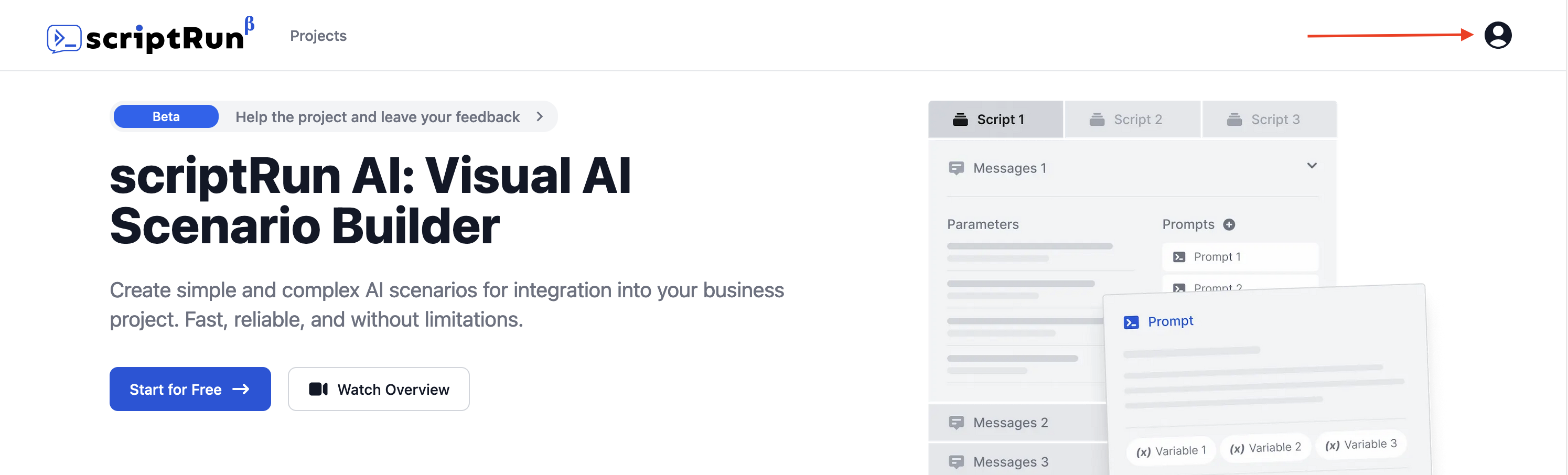
1. Access your profile
Navigate to your profile by clicking on the user icon in the top right corner of the page.
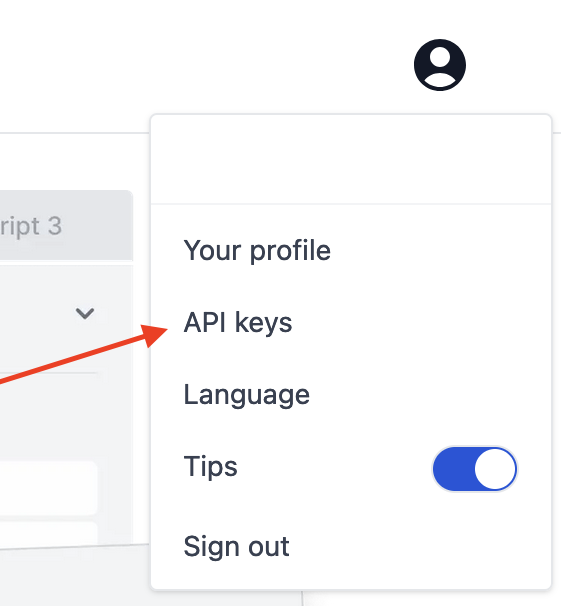
2. View Your API Keys
Once created, your API keys will be listed. You can manage (delete) them as needed.

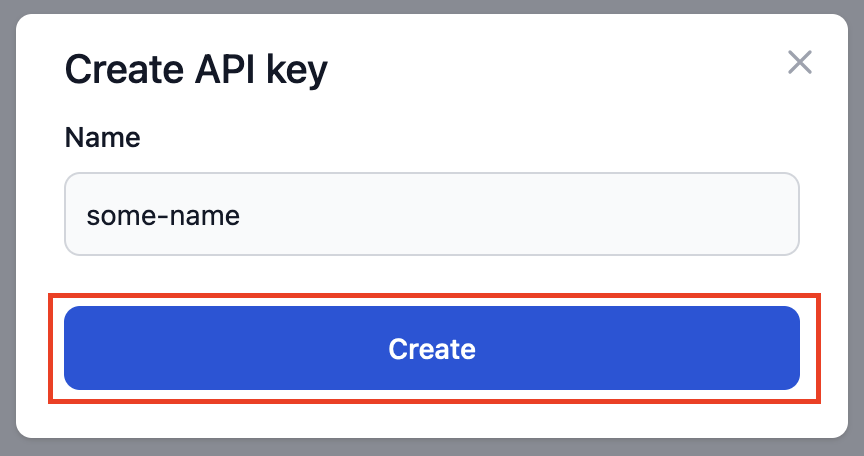
3. Create an API Key
In the "API keys" section of your profile, click on the "Create API Key" button.
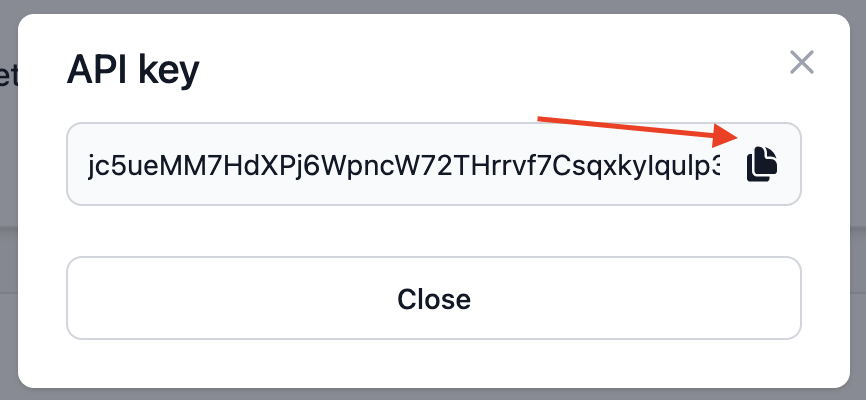
4. Copy your API Key
Rate Limits
Each API key is associated with a user profile and can be configured with rate limits. These limits control how many requests the API key can make in a given time period.
Rate limits can be defined as follows:
- Default limits allow 60 requests per minute
To get permission to send requests through the API, you must request permission from your administrators. To get access and for more information, visit our Telegram channel or send an email to support@scriptrun.ai
Example Usage
You need to include this header in every query:
X-API-Key: <Your_API_Key>
curl -X GET https://scriptrun.ai/api/v1/projects/ \
  -H 'Accept: application/json' \
  -H 'X-Api-Key: <Your API Key>'
import requests

headers = {
    'Accept': 'application/json',
    'x-api-key': '<Your API Key>'
}

r = requests.get('https://scriptrun.ai/api/v1/projects/', headers=headers)

print(r.json())
When making API requests using your API key, be sure to include the X-API-Key header in every request.